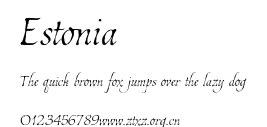



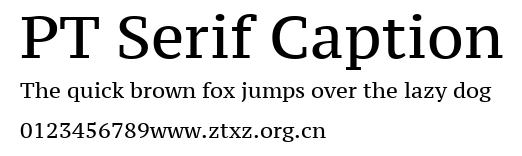
PT Serif Caption
PT Serif Caption字体基础信息
- 字体名称:PT Serif Caption
- 字体风格:Regular
- 字体标识:ParaTypeLtd: PT Serif Caption: 2010
- 字体全称:PT Serif Caption
- 字体版本:Version 1.000W OFL
- 字重类型:400
- PostScript:PTSerif-Caption
- 字符数量:719
- 版权信息:Copyright © 2010 ParaType Ltd. All rights reserved.
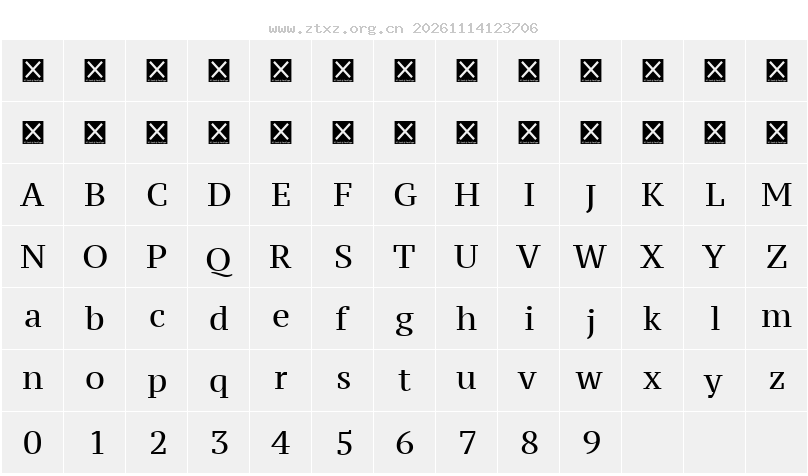
PT Serif Captionttf字符映射表
PT Serif Caption.ttf下载,ttf字体下载,字体格式:ttf,字体大小:0.25MB。
字体预览图
字体资讯
- 字体名称: PT Serif Caption
- 字体风格: Regular
- 字体标识: ParaTypeLtd: PT Serif Caption: 2010
- 字体全称: PT Serif Caption
- 版本: Version 1.000W OFL
- 字重: 400
- PostScript名称: PTSerif-Caption
- 字符数量: 717
- 版权: Copyright © 2010 ParaType Ltd. All rights reserved.
- 设计师: A.Korolkova, O.Umpeleva, V.Yefimov
- 制造商: ParaType Ltd
- 描述: PT Serif is a universal type family designed for use together with PT Sans released earlier. PT Serif coordinates with PT Sans on metrics, proportions, weights and design. It consists of six styles: regular and bold weights with corresponding italics form a standard computer font family; two caption styles (regular and italic) are for texts of small point sizes. The letterforms are distinguished by large x-height, modest stroke contrast, robust wedge-like serifs, and triangular terminals. Due to these features the face can be qualified as matched to modern trends of type design and of enhanced legibility. Mentioned characteristics beside conventional use in business applications and printed stuff make the fonts quite useable for advertising and display typography.Each font next to standard Latin and Cyrillic character sets contains alphabet glyphs of title languages of the national republics of Russian Federation and support the most of the languages of neighboring countries. The fonts were developed and released by ParaType in 2010 with financial support from Federal Agency of Print and Mass Communications of Russian Federation. Design -- Alexandra Korolkova with assistance of Olga Umpeleva and supervision of Vladimir Yefimov.
字符映射图
PT Serif Caption字体下载地址

特别提示
1、本站资源来自网络收集,并不保证所有信息完全正确,如用于商业目的请自行仔细斟酌、查阅最新的版权信息。
2、如有侵犯您的版权,请及时联系,请来信978767986#qq.com(请将#换成@发送邮件),我们将尽快处理。